Install the app
Your recipe ideas, ready on your home screen.
Kya Khayen is installable from your browser as a lightweight web app. Browse recipes, return to saved dishes and view taste-based meal plans with a mobile-first experience.
No app-store download required.
Save recipes
Keep dishes you want to revisit in your account.
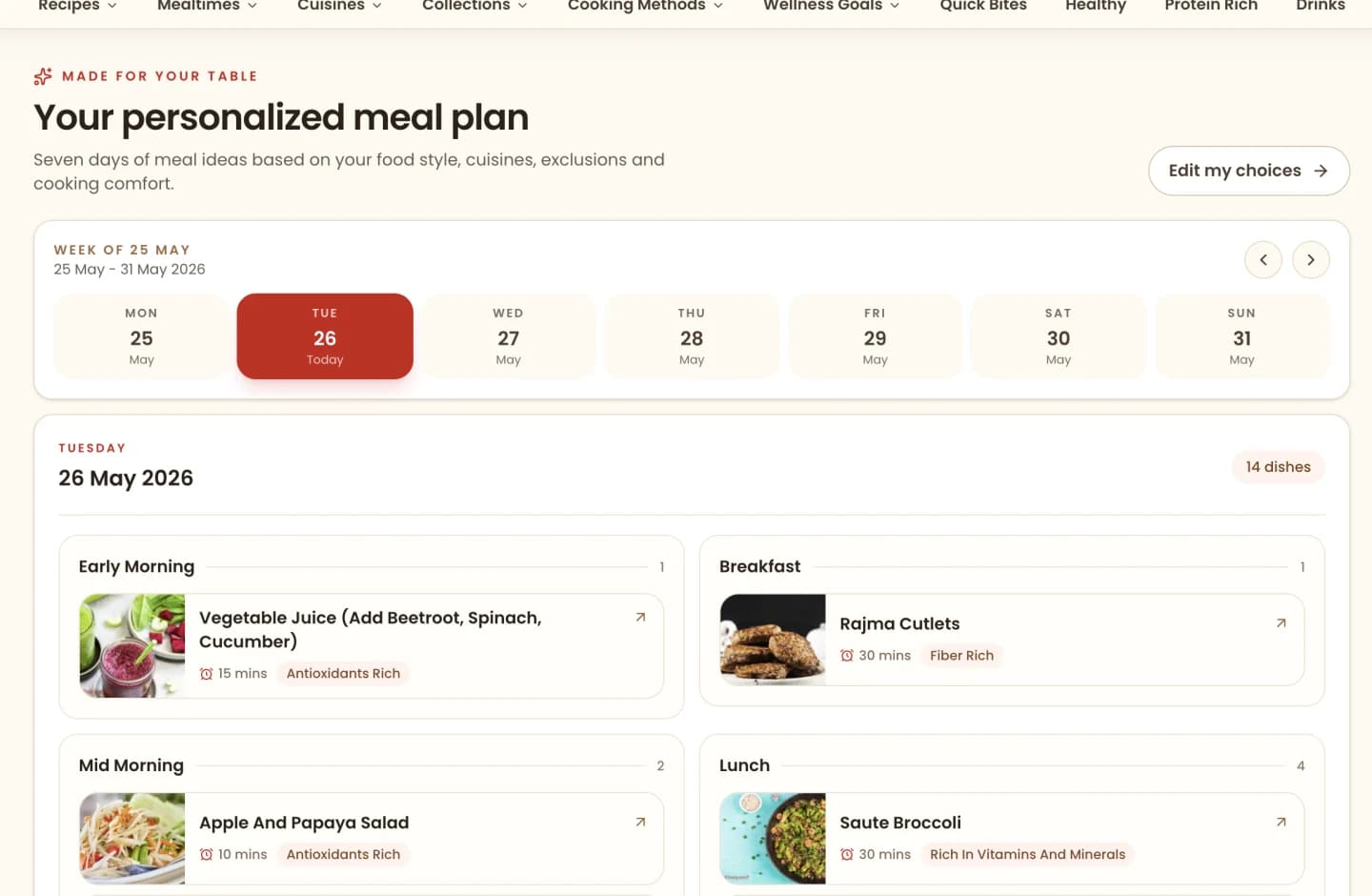
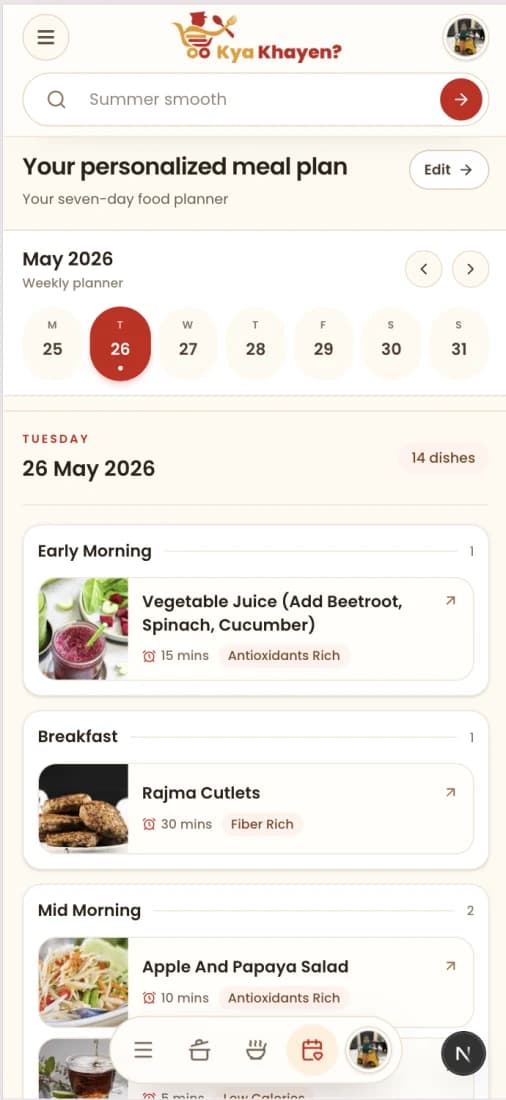
Open meal plans
Carry your seven-day food ideas in a phone-friendly view.
Optional alerts
Enable notifications only when you want updates.
Install guide
Add Kya Khayen in a few taps.
Installation options depend on your browser. Look for an install prompt or use your browser menu.
Android with Chrome
- 1Open Kya Khayen in Chrome on your phone.
- 2Tap the browser menu and choose Install app or Add to Home screen.
- 3Confirm installation, then open Kya Khayen from your home screen.
iPhone with Safari
- 1Open Kya Khayen in Safari on your iPhone.
- 2Tap Share, then choose Add to Home Screen.
- 3Confirm Add and open the new Kya Khayen icon.
Food inspiration only, not medical advice
Kya Khayen provides recipe ideas and meal planning information based on taste, ingredient exclusions and cooking comfort. We do not diagnose, treat, prevent or manage any disease, and we do not create plans from medical or health information.
Ready to begin